Import what you already have
Bring in your website, PDF, Word, CSV, Markdown or JSON files. FAQ Hub turns them into categories and help articles.

Product
Import your website or docs, publish a help centre, answer questions inside your product, and pass the hard ones to your team.
What you get
One product covers importing, editing, searching, answering, measuring, and handing hard questions to your team.
Bring in your website, PDF, Word, CSV, Markdown or JSON files. FAQ Hub turns them into categories and help articles.
The assistant answers from your published articles and links to its sources. It checks its answer against your content before showing it, and says so when it cannot answer.
When the content does not cover a question, the assistant offers a ticket or live chat. The conversation goes with it.
Customers find the right article even when they use different words from the ones you wrote.
Share a hosted help centre, embed a small widget inside your product, or open help with a keyboard shortcut.
See which questions get answered and which need a new article.
Each product has its own articles, help centre and settings, all managed from one place.
Your articles, conversations and settings are kept separate from every other FAQ Hub customer.
Edit, unpublish or correct any answer at any time. Change an article once and every answer follows.
One set of articles
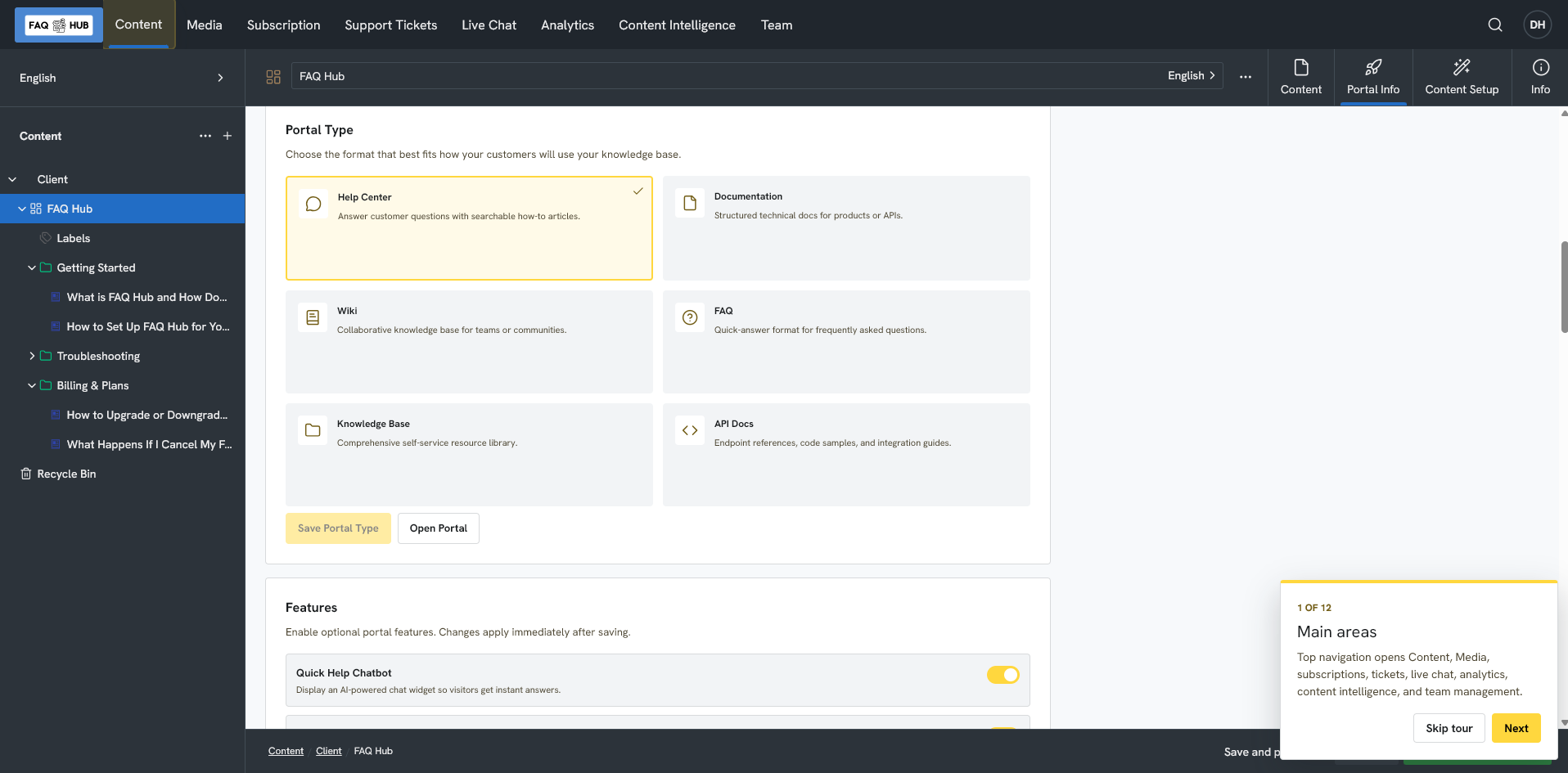
Import your content and edit the articles. The help centre, the widget and the chat all use the same ones, so a correction shows up everywhere.

Meet customers where they are
Offer a standalone help centre, embed Quick Help inside your product, or open help with a keyboard shortcut.
Start free trialFor developers
Most teams never need this section. If you keep docs in Git or want AI tools to read your help content, these are the pieces.
Create and update articles from your own tools. Content arrives as drafts, and publishing is a separate step.
Read how it works →Keep selected documentation in a repository and sync it into FAQ Hub as drafts, so help content changes with your product.
Read the Git workflow →Customer help centres publish an llms.txt file and FAQPage structured data, so search engines and AI tools can read them.
Read about AI-readable docs →Start with your website or the docs you have. Edit anything you do not like.